
A Codex Image Generation Pipeline You Can Review and Repeat
A tested workflow for briefing, generating, reviewing, processing, and publishing Codex image assets without fake technical detail.
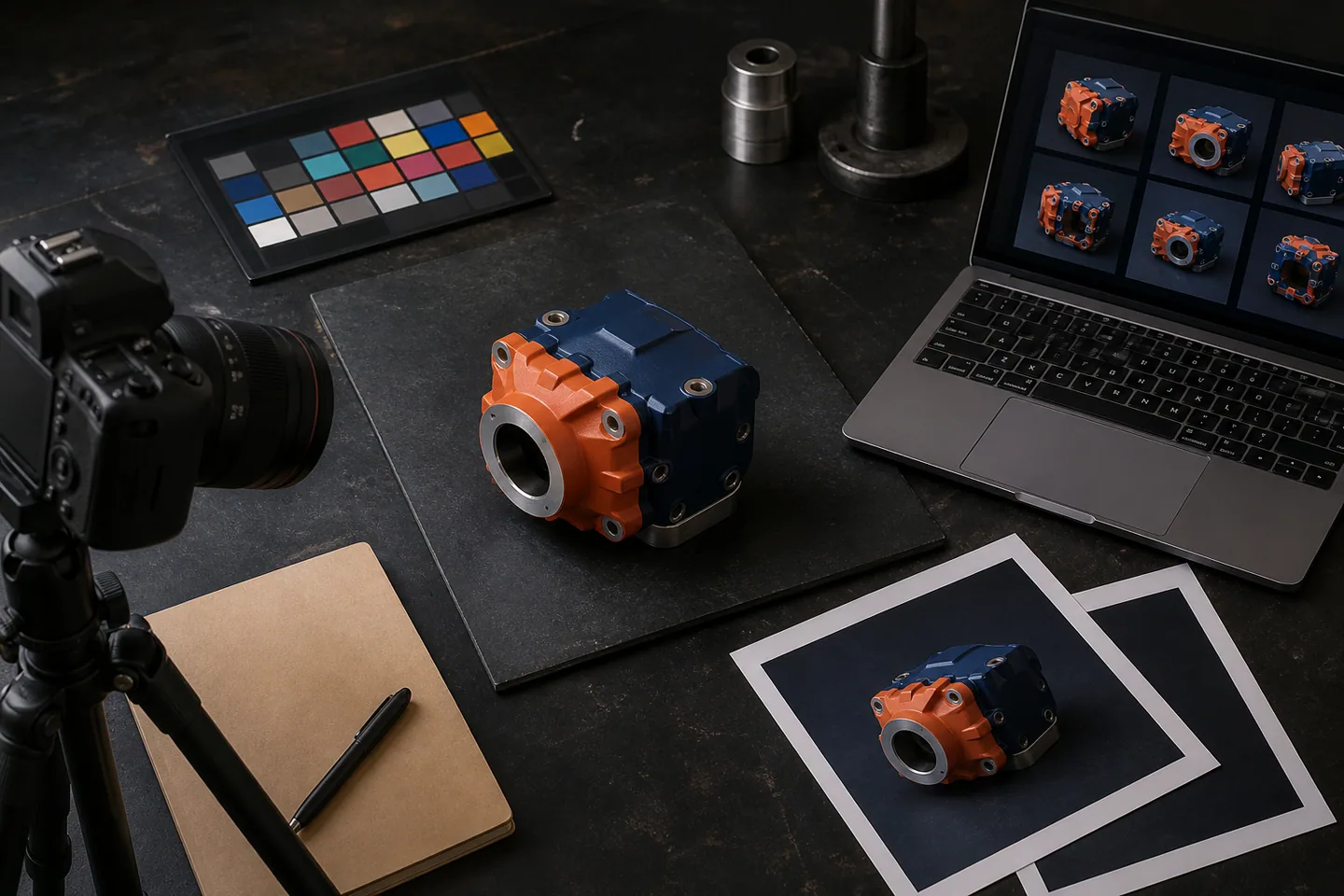
A good image pipeline is a review system. It turns a clear brief into a versioned source image, checks the result, makes one focused revision at a time, and creates web files with known sizes and text alternatives.
Start with the job the image must do
State where the image will appear, who will see it, and what it must communicate. Then describe the subject, setting, framing, light, palette, materials, and limits.
For the GLCO homepage, the brief asked for an owner-operator at a practical automation workbench beside Great Lakes water. It also required dark copy space, one orange task light, no readable screen text, no logos, and no science-fiction effects.
The visible result came from Codex built-in image generation. It was not made through a custom API script.
Keep generated text out of technical assets
Generated images can be useful for editorial scenes and source material. They are a poor final format for a node graph, code sample, or data chart that needs exact labels.
Build technical diagrams in HTML or SVG. Use generated raster images for scenes, objects, textures, and illustrations where a small visual variation does not change the facts.
Review the first result before changing it
Check the subject, composition, visual style, brand fit, required details, and forbidden details. If the result is close, ask for one change. A narrow revision is easier to judge than a full rewrite of the prompt.
For this site, GLCO checked three generated images for:
- useful crop and copy space;
- no visible brand marks;
- no fake technical labels;
- a grounded Great Lakes industrial setting;
- restrained orange, blue, paper, and navy color;
- enough detail to survive a wide web crop.
Save the source before web processing
Keep the original generated file under a versioned name. Do not leave a live site tied to a tool cache. This project stores the selected PNG sources under generated-assets/source/editorial.
The image build script creates AVIF and WebP files at 640, 768, 960, and 1440 pixels wide. It does not enlarge a smaller source. The page uses the browser's supported format and viewport size.
This tested build produces 24 responsive files from three selected source images.
Publish with dimensions and useful text alternatives
Set width and height so the browser can reserve space before the image arrives. Write text alternatives that describe the useful visible content. Do not repeat the page title or stuff search terms into the description.
Each content file stores the image base path, text alternative, source width, and source height. That keeps the article and its asset record together.
Interactive and API paths serve different needs
Built-in Codex image generation works well when a person is present to review and guide each result. The OpenAI image generation guide recommends a clear purpose, subject, setting, composition, and constraints, followed by small revisions.
The Image generation API is a different path. It fits scheduled or application-driven work where prompts, storage, review state, and cost controls live in code. A business should not add that layer until the manual process is stable enough to describe and test.
The process still needs a human gate
An image can look polished while showing an impossible object, a false control panel, or an unsafe work step. Review the subject with someone who understands the domain. Keep generated imagery away from evidence that must be exact.
GLCO builds these systems through AI Content and Image Systems. The tested files and build steps are recorded in the Image Production Pipeline.
AI created the three source images used in this project and assisted with this article. GLCO selected the images, checked the visible details, wrote the processing code, and reviewed the final copy.
Sources
Next action
Choose one image your business needs each week. Write its purpose, subject, size, limits, and review rule before generating the first version.